
KOTAMON Artists and Verified Credits
Check artwork attribution and where individual illustrator credits can be verified.
An unofficial fan-made resource for KOTAMON players. Explore cards, collectibles, achievements and practical game guides.
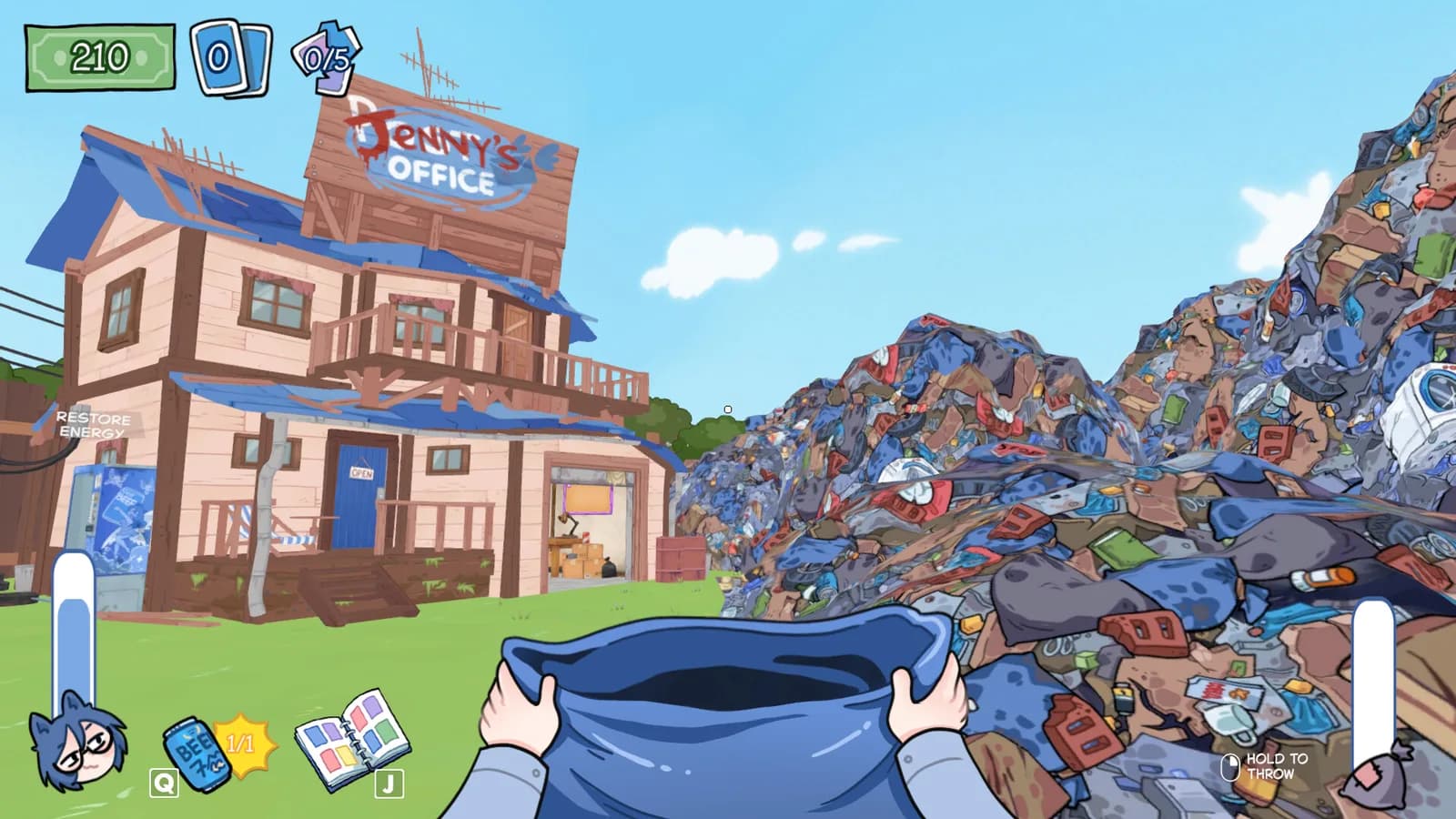
KOTAMON is a relaxed, first-person collecting game set at a garbage dump. Search the rubbish, clear the yard and uncover cards and other discarded treasures while working for the site owner.
The collection grows as you find, repair and trade cards. Alongside the card sets, there are figurines, audiotapes and other finds to track. This wiki brings the relevant guides together so you can follow the part of the collection you are working on.
Developed by KotaMota Games and published by Polnoch, the full game launched on Steam for Windows PC on August 20, 2026. A demo preceded the release; its current availability should be checked on the official Steam listing.
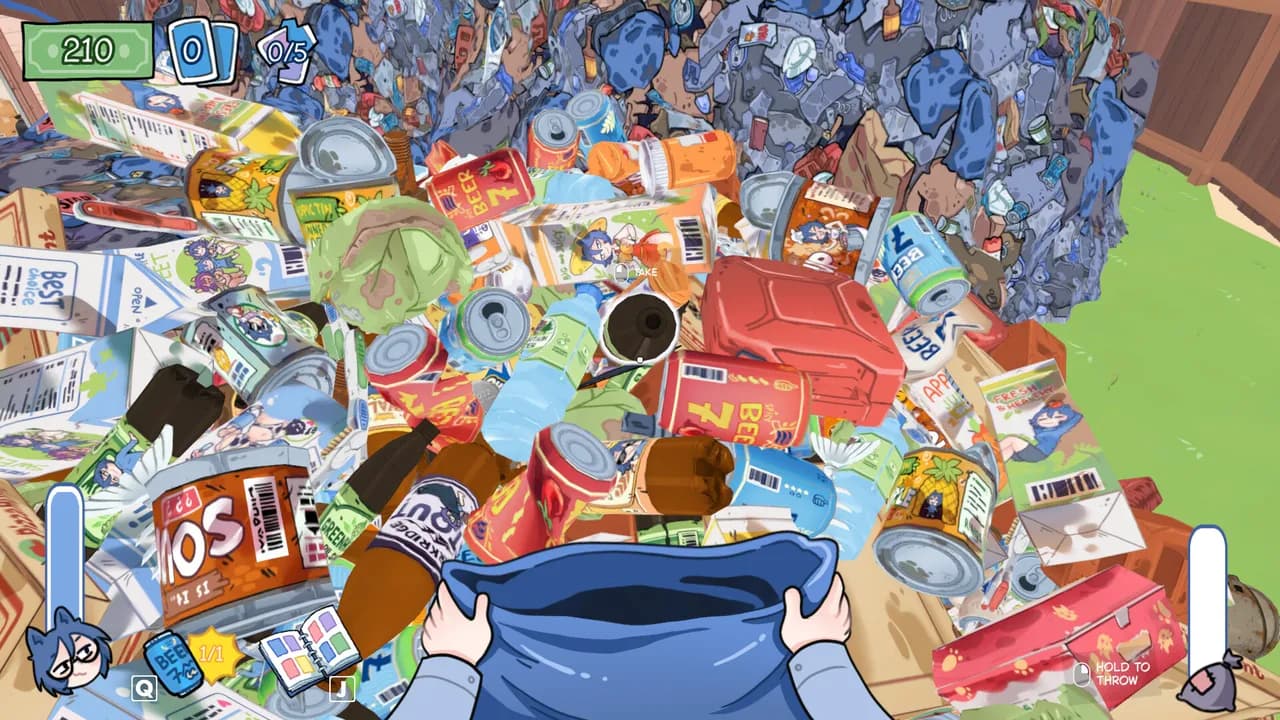
The dump is your starting point: inspect piles of discarded objects with your collection bag in hand. Use the gameplay guide to connect searching, recycling and keeping useful finds.
Screenshot: official Steam store. Interface details may vary by version.
Release and platform details: KOTAMON on Steam. Use Game Information for PC requirements and credits, or review dated updates before following older advice.
Pick the next task. Jump straight to a practical answer, from card care to route finding.
Choose your first actions, inspect useful finds and avoid common collecting mistakes.
Plan your first sessionLearn the collecting loop, upgrades and the basics of working at the dump.
Read the gameplay guideBrowse the card sets and follow links to repair, cereal boxes and foil collecting.
Browse the card referenceWeigh income, card selling and spending against the collection progress you want to keep.
Plan earning and spendingUnderstand character growth and practical purchase priorities, separate from card exchanges.
Review character upgradesKeep track of figurines, audiotapes and optional discoveries beyond the card collection.
Explore collectiblesCheck the 40 Steam achievements and their collection and activity milestones.
View achievementsChoose a focused guide for getting started, progression, cards, exploration or save help.
Explore the Guides Hub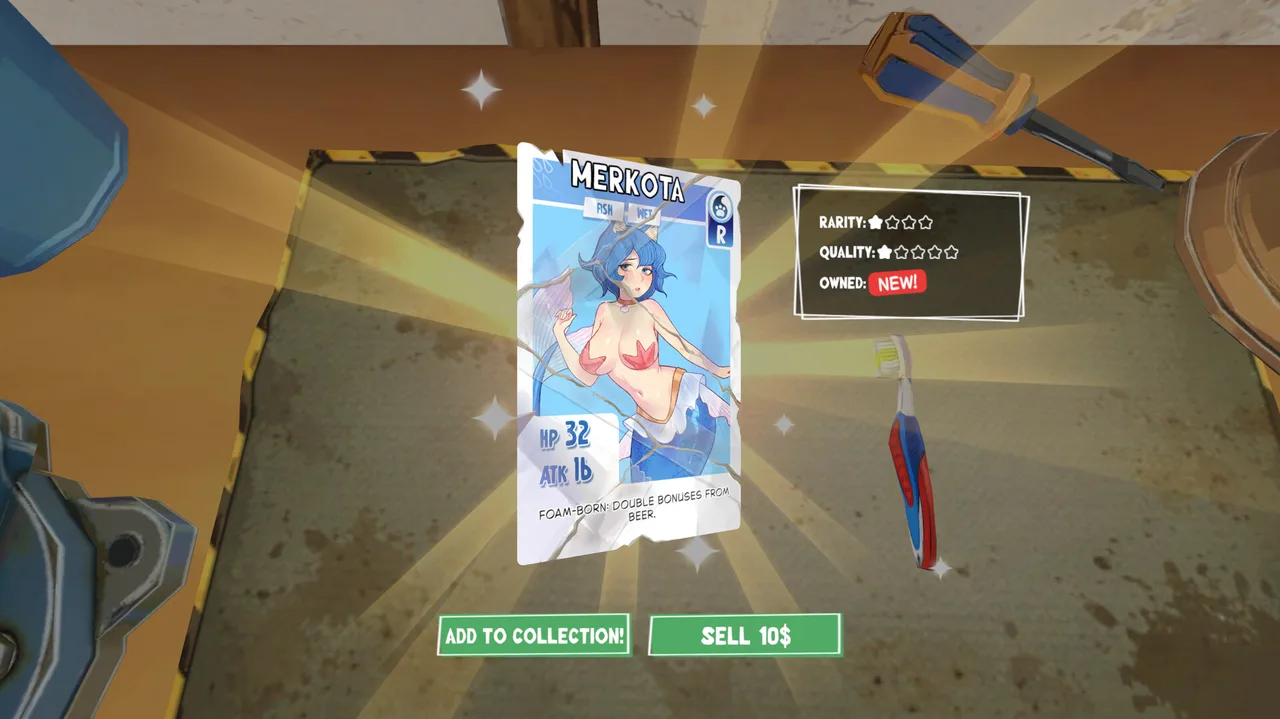
Collect the color sets, repair damaged cards and work toward your foil collection. Card condition, rarity and foil status are different things to check.
The August 27 developer update explains that three duplicate cards of the same quality can be exchanged for a better-quality card, including foil. This was possible from release; the update added a tutorial and clearer indicators.
Source: August 27 developer announcement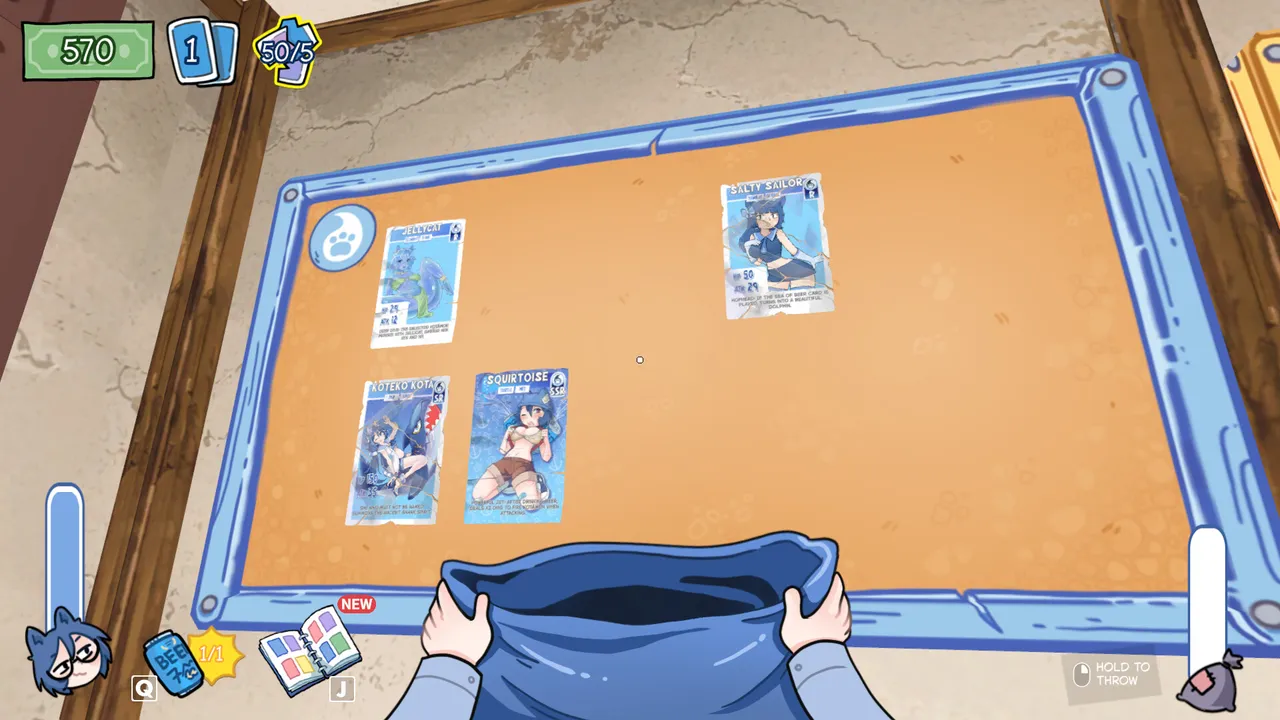
The collection board makes the card hunt visible, with found cards displayed together. Compare your collection with the card reference, which separates official collection goals from community-documented card names.
Screenshot: official Steam store. Interface details may vary by version.
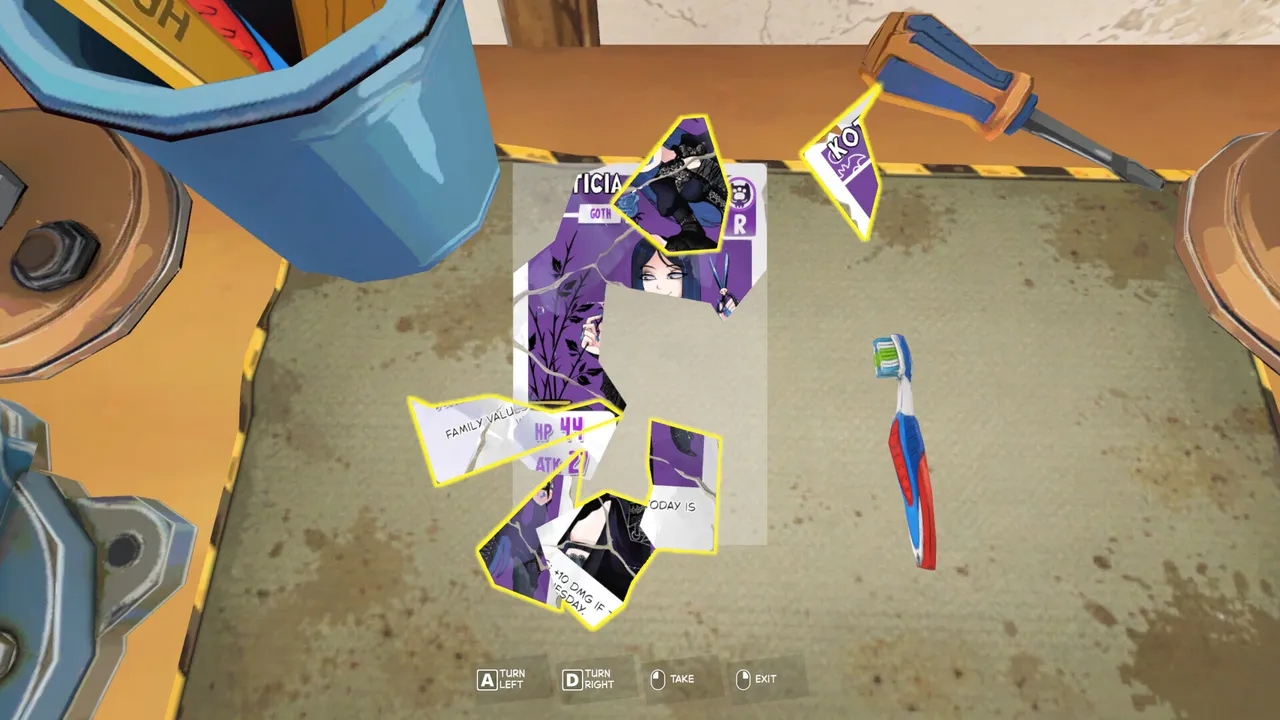
This workbench view shows a card in separate pieces, ready to be assembled. Check the repair guide before working on a damaged find, and keep a separate good save before making changes.
Screenshot: official Steam store. Interface details may vary by version.
The cards feature hand-drawn illustrations. Our artists guide separates the verified studio credit from individual illustrator names that still need confirmation in the game's credits.
Explore the artwork attribution notes without mistaking a studio, community username or fan submission for a confirmed card artist.
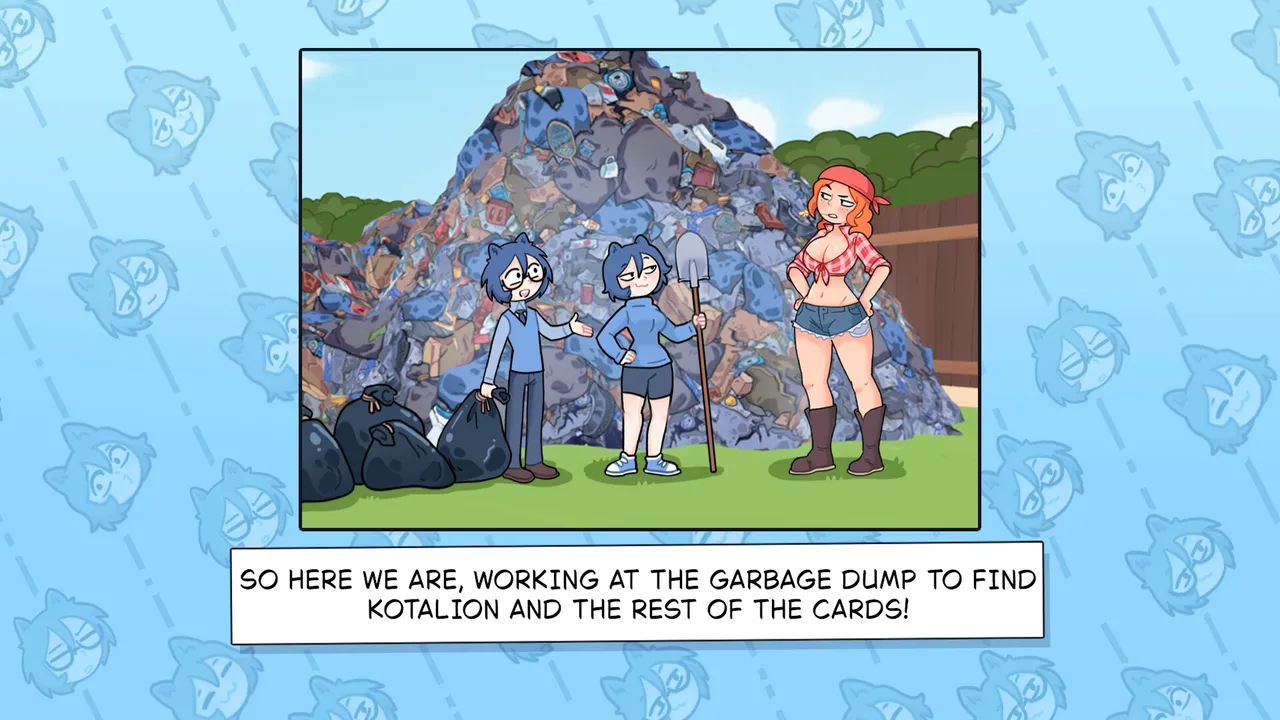
Illustrated story panels give the dump and its characters a different view from the first-person gameplay. This is an official in-game screenshot, not confirmation of an individual illustrator; check the artist guide for verified credit boundaries.
Screenshot: official Steam store. Interface details may vary by version.
A demo was available before the full release. We have not confirmed an active demo download in the current Steam listing, so check the store for today's options.
This site does not host game installers or unofficial demo mirrors.
Check demo availability on SteamGet the Windows PC version through Steam. Confirm the listing is from KotaMota Games and Polnoch, then use Steam to purchase and install the game.
Use the official platform listing instead of copied storefront claims.
Open KOTAMON on SteamThere is more to find than cards. Use the collection checklists for figurines and audiotapes, or open the spoiler-aware secret location guide.
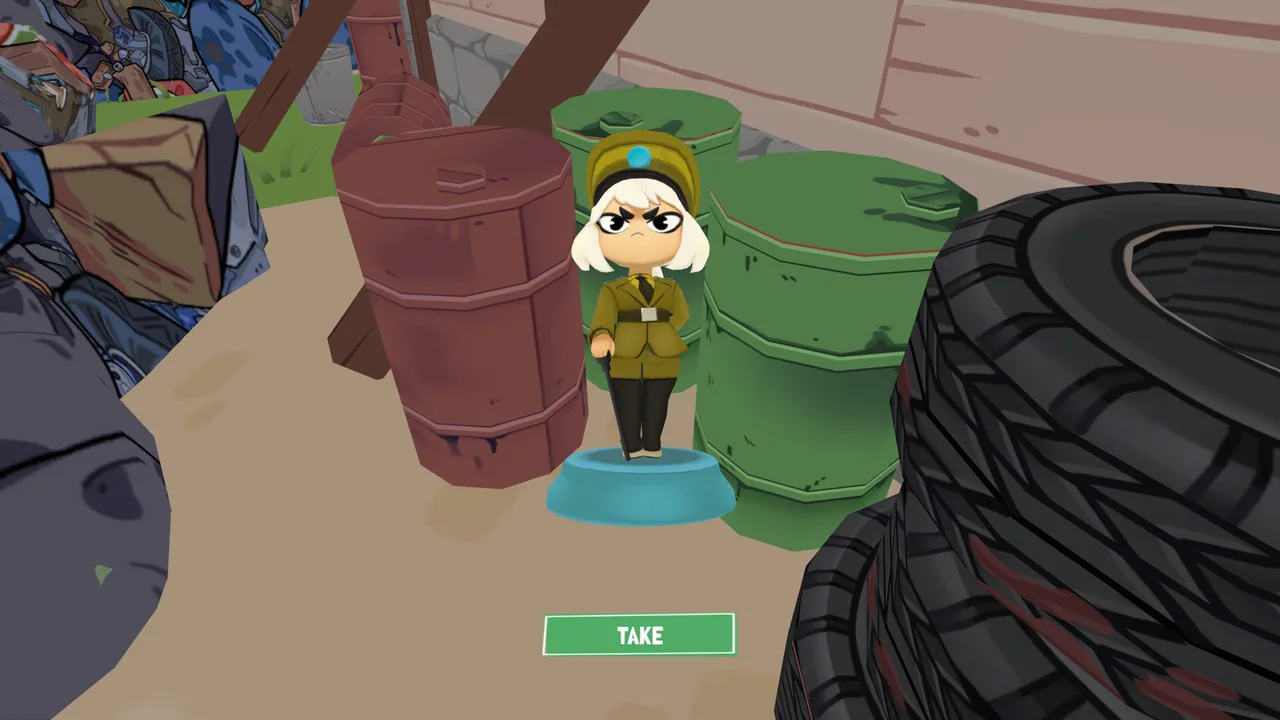
Keep world finds separate from card completion and use the achievement milestones to check your progress.
Follow a spoiler-aware route with patch limits stated clearly. The reported entry method is community-sourced and may change.
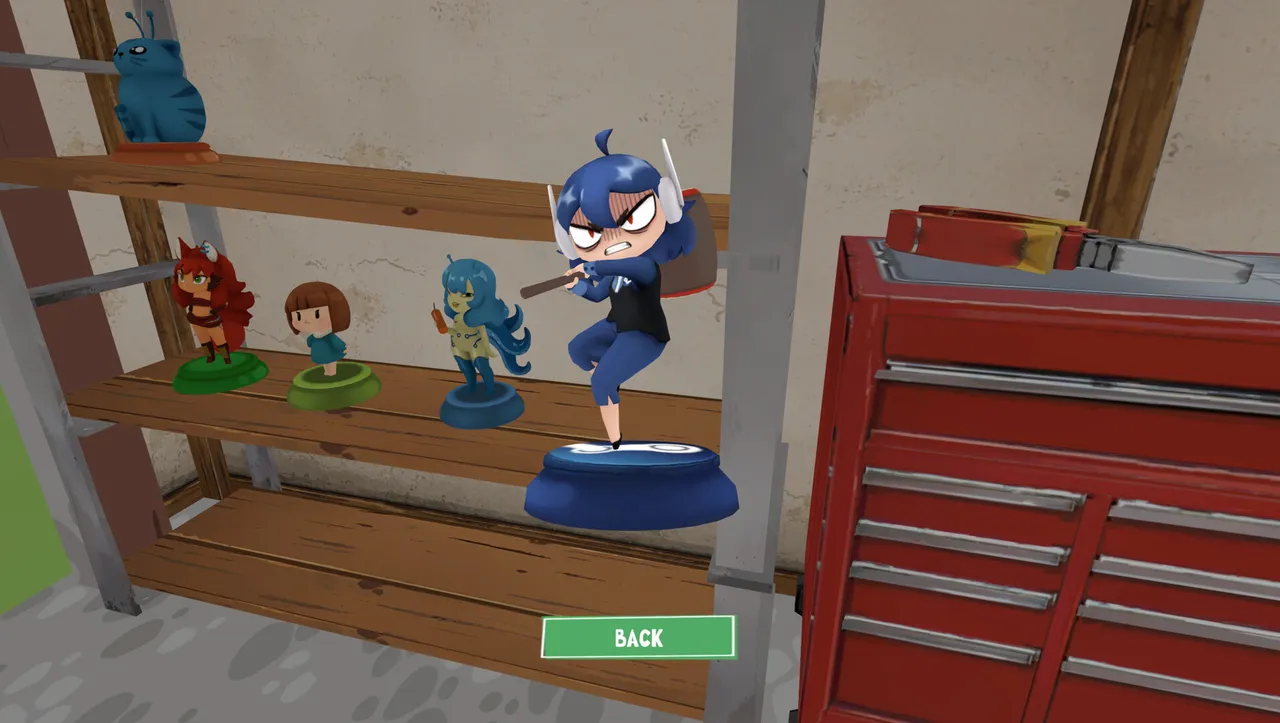
The figurine shelf shows a collection after discovery, rather than a pickup location. Use the checklist to track what you still need; this display is not evidence that every figurine has a fixed spawn point.
Screenshot: official Steam store. Interface details may vary by version.
Cards, figurines and audiotapes are different collection goals. A full shelf does not tell you how many audiotapes have counted, so check each guide and the matching achievement separately.
Move from binder pages to world finds, then close the loop with achievements.
Selected published guides, ordered by their recorded update date. Check each guide's source notes for version-specific limits.
Check artwork attribution and where individual illustrator credits can be verified.
Read the optional spoiler route and its patch-sensitive limitations.
Start with the collecting loop, progression and the basics of working at the dump.
Browse the current card reference and its official-versus-community source notes.
Understand foil collection goals and the limits of published drop-rate information.
Track the 40 Steam achievements by collection and activity.
A collecting simulation game where you search a garbage dump, find and repair cards, and discover other items. Start with the gameplay guide.
Yes. The full game is listed for Windows PC on Steam, developed by KotaMota Games and published by Polnoch.
A demo preceded the full release. An active demo download has not been confirmed in our current store check; see the official listing for availability.
Use the official Steam store to buy and install the Windows PC game. Our platform guide covers the verified listing and system requirements.
They are in-game collectibles with illustrated artwork, condition and rarity information. Browse the card reference and foil card guide; they are not the same thing as Steam Community Items.
KotaMota Games is the verified developer credit. Our sources do not establish a complete list of individual illustrators. The artists guide explains how to check the in-game credits.
Yes. Alongside cards, the guides cover figurines and audiotapes. The achievement reference lists their collection milestones.
No. KOTAMON.com is an independent fan-made guide, not a website affiliated with or endorsed by KotaMota Games or Polnoch. Official game information is linked to its source.
KOTAMON.com is an independent fan-made reference.
It is not affiliated with or endorsed by KotaMota Games or Polnoch. All 20 published guides carry a source label and update date.